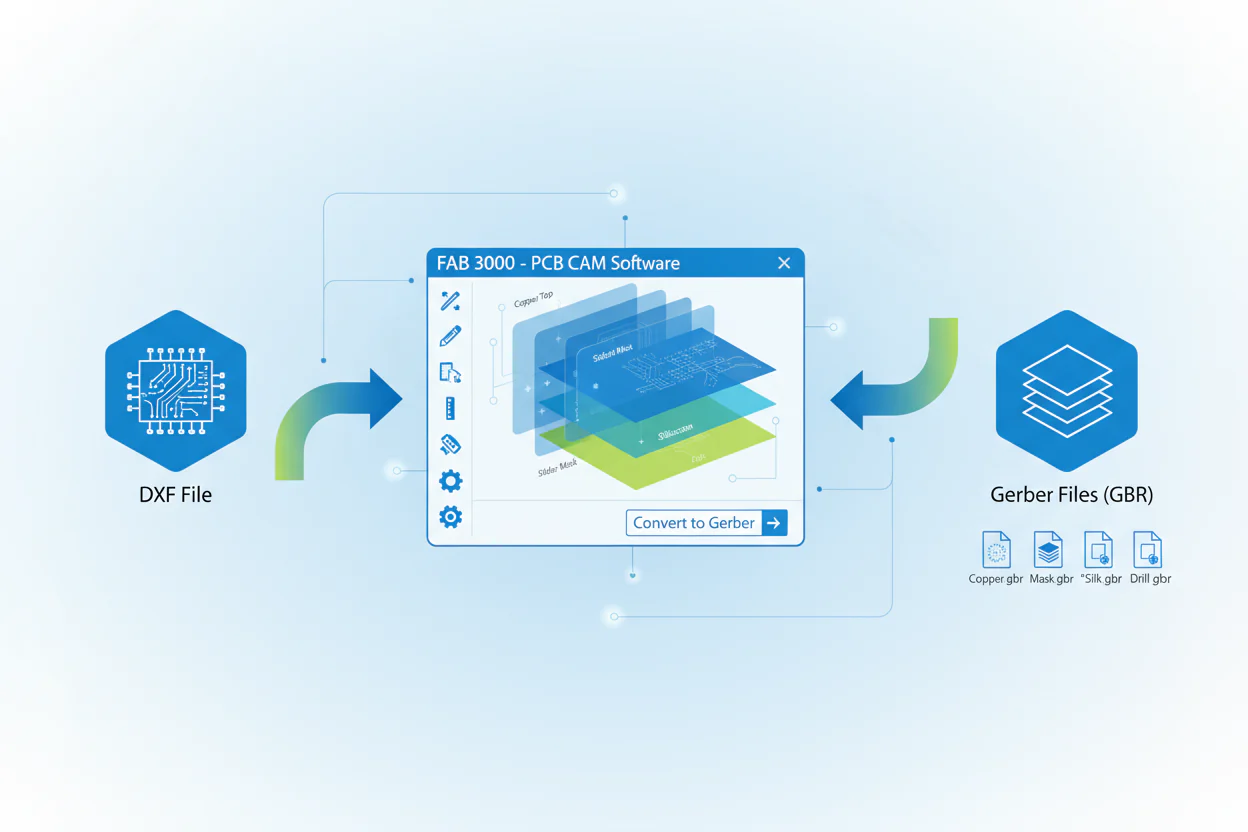
Why You Need to Convert DXF Files to Gerber and How to Do It with FAB 3000
In the world of electronics manufacturing, the conversion of design files into standardized formats is a critical step in the fabrication process. Among the most common file formats used in the industry are DXF (Drawing Exchange Format) and Gerber files. DXF files are primarily used for CAD-based design purposes, while Gerber files are the industry standard for PCB (Printed Circuit Board) fabrication. This short blog explores the reasons why converting DXF files to Gerber is essential and explains how to carry out this conversion using FAB 3000, a powerful CAM (Computer-Aided Manufacturing) software developed by Numerical Innovations.
Understanding DXF and Gerber Formats
Before diving into the conversion process, it is crucial to understand the fundamental differences between DXF and Gerber files.
DXF (Drawing Exchange Format)
Developed by Autodesk, DXF is a CAD data file format used across architectural, mechanical, and electronic design industries. DXF files describe 2D and 3D drawings and are text-based representations of vector graphics.
Gerber Format
Gerber files describe PCB images such as copper layers, solder masks, silkscreens, and more. They are the universal standard for PCB manufacturing. Each Gerber file corresponds to a specific layer and includes shapes, lines, pads, and aperture data.
Why Convert DXF to Gerber?
DXF is excellent for drafting and design, but not suitable for direct PCB manufacturing. Fabricators rely on Gerber files for a precise, standardized representation of the PCB.
Key reasons for converting DXF to Gerber:
Manufacturing Compatibility
PCB manufacturers require Gerber files—DXF lacks essential fabrication data.
Layer Separation
Gerber demands clear, defined PCB layers (copper, mask, silkscreen) while DXF does not enforce this structure.
Precision & Standardization
Gerber includes aperture definitions and manufacturing metadata.
DFM Checks & CAM Processing
CAM tools like FAB 3000 can run DFM checks and verifications only after conversion to Gerber.
Customer & Manufacturer Requirements
Most assembly houses request Gerber files specifically.
Introducing FAB 3000
FAB 3000 is a professional CAM tool built by Numerical Innovations that supports conversion, editing, and optimization of PCB file formats including DXF, Gerber, ODB++, and more.
Engineers rely on FAB 3000 for:
- DXF → Gerber conversion
- DFM analysis
- Panelization
- Stencil creation
- Format translation and data cleanup
Step-by-Step Guide: Converting DXF to Gerber with FAB 3000
Step 1: Launch FAB 3000
Open FAB 3000 and start a new project.
Step 2: Import the DXF File
Go to File > Import > DXF/DWG File
Choose your DXF file
Set required options:
- Units (inch/mm)
- Layer mapping
- Polarity
- Line width interpretation
Step 3: Verify the Imported Design
Zoom in on critical features and use measurement tools to ensure accuracy.
Step 4: Assign Layer Types
Convert imported layers to specific Gerber layer types, such as:
- Top Copper
- Silkscreen
- Solder Mask
- Board Outline
Step 5: Export as Gerber
Go to File > Export > Gerber Files
Choose layers to export
Recommended format: RS-274X
Precision: 2:5 or 2:6
Step 6: Export Drill Files (If Needed)
File > Export > NC Drill Files
Configure drill sizes and formats
Step 7: Run a DFM Check (Optional but Recommended)
FAB 3000's DFM tools detect:
- Clearance issues
- Unconnected nets
- Missing apertures
- Manufacturing rule violations
Tutorial Video:
Final Thoughts
Converting DXF files to Gerber is essential for manufacturable PCB designs. DXF is great for drafting, but without Gerber, fabrication cannot proceed.
FAB 3000 streamlines this workflow with intelligent import tools, automated layer mapping, DFM checks, and accurate Gerber generation. Whether you're a hobbyist or a professional engineer, mastering this process ensures reliable, production-ready PCB data.
Call-to-Action
Interested in streamlining your PCB design and manufacturing process?
Learn more about FAB 3000 and download your free full-featured demo.
#FAB3000