How to Generate X/Y Centroid Files (Pick-and-Place Data) with FAB 3000
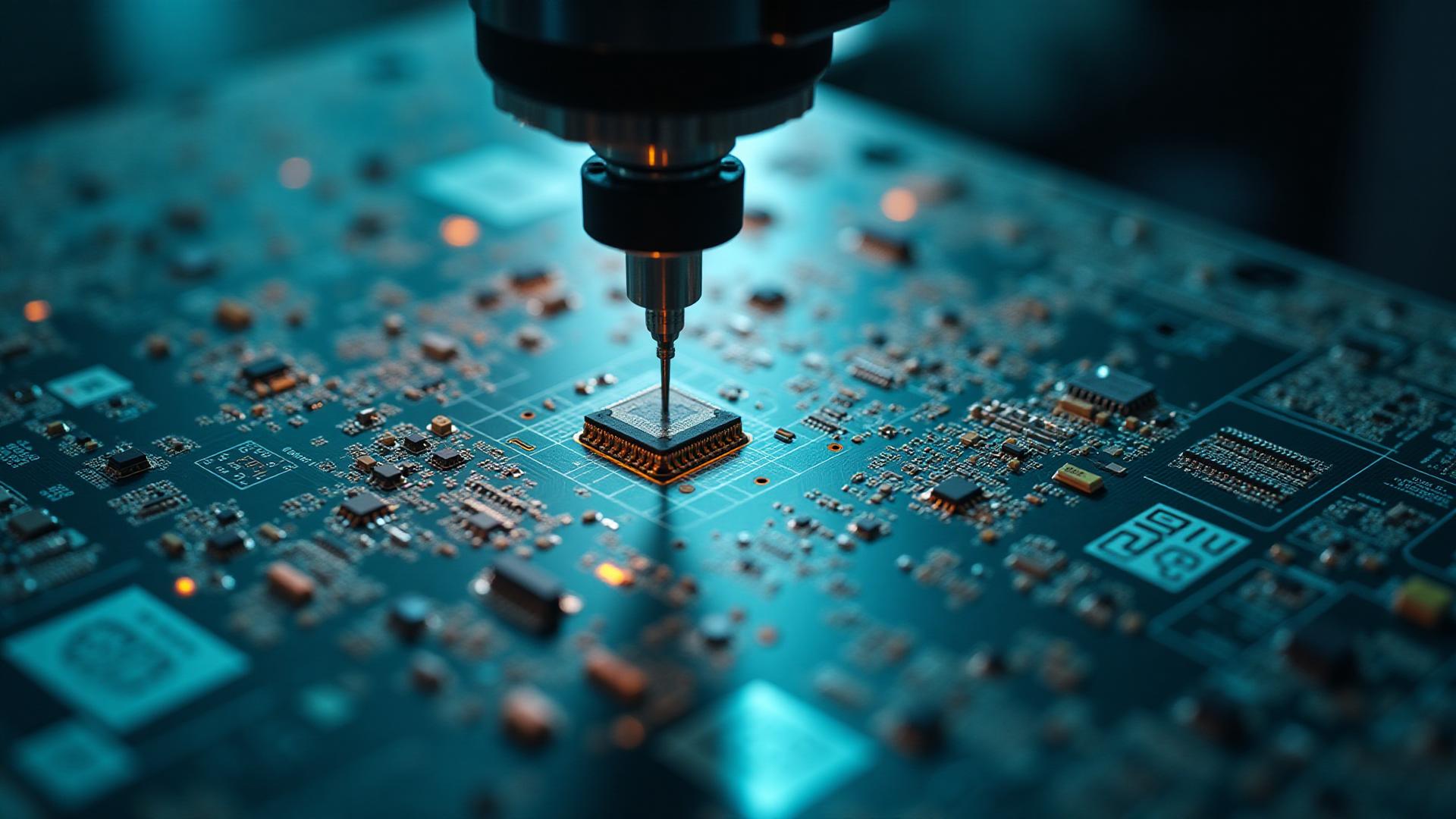
Printed circuit boards are tiny cities bursting with electronic residents. Surface-mount components — your microchips, LEDs, capacitors — need a precise address and orientation, or chaos ensues. Automated assembly machines act like Uber drivers for components, rapidly placing each one exactly where it belongs. To do that, they rely on a map known as a Centroid File (also called an X/Y or Pick-and-Place file).
Some CAD software produces this map automatically. Others shrug and leave you hanging. FAB 3000 swoops in like a seasoned cartographer, generating complete centroid data directly from your Gerber files. No tears. No tea-spilling. Just smooth automation.
What's Inside a Centroid File?
A centroid file contains:
- Reference Designators (R1, C12, U4…)
- X/Y Coordinates (component center point)
- Rotation (0°, 90°, 180°, 270°)
- Side of Board (Top or Bottom)
- Optional details like part packages, descriptions, and height
In short:
Centroid data ensures every component lands exactly where it should — with the correct orientation — during automated pick-and-place assembly.
How FAB 3000 Makes It Easy
If your design team didn't provide an X/Y file, no problem.
FAB 3000 reverse-engineers the centroid data using only your Gerber files.
Here is the simple recipe:
Step-by-Step: Create X/Y Centroid Files in FAB 3000
1. Load Your Gerber & Drill Files
- Import your full PCB manufacturing dataset.
- FAB 3000 recognizes pads, outlines, silkscreen, and reference text.
2. Enable Component Recognition
- Use Assembly View to visualize components.
- FAB 3000 analyzes silkscreen, copper, drills, and placement markers to identify component locations.
3. Assign Rotation & Attributes
If anything needs adjusting:
- Edit rotations
- Assign part packages
- Add height or centroid reference
- Import BOM data to sync part numbers
4. Auto-Generate the Centroid File
Click Export Centroid — FAB 3000 produces:
- X/Y coordinates
- Rotations
- Side of board
- Optional BOM-matched details
5. Export in Your Preferred Format
Including:
- CSV
- TXT
- IPC-D-356
- Other assembly-friendly formats
An entire pick-and-place map… conjured from copper and clever automation.
Why This Matters
- ✔ Speeds up PCB assembly
- ✔ Reduces human error
- ✔ Eliminates hand-generated placement files
- ✔ Ensures manufacturing readability
- ✔ Works with nearly any CAD system
Gerbers become not just artwork —
but a full passport for assembly.
PCB Designer Assembly-Readiness Checklist (Before Exporting Centroid Data)
🆔 Designators
- Unique reference designators
- Visible on silkscreen
- Placed near the correct component
📐 Placement & Orientation
- Correct part origins
- Rotations follow assembler's conventions
- Polarized parts marked clearly
- Odd-shaped components validated
🔺 Board Sides & Fiducials
- Correct top/bottom assignment
- Global fiducials included
- Local fiducials near dense areas
📦 Component Classification
- "Do Not Place" parts flagged
- Mechanical features excluded
- Tall/sensitive components verified
🔗 Data Consistency
- BOM matches designators
- No duplicate or off-board components
- Bottom-side rotation flips checked
Why FAB 3000 Gives You an Advantage
Surface-mount assembly demands precision.
FAB 3000 transforms your existing Gerbers into intelligent placement data:
- Rotation
- Coordinates
- Designators
- Side mapping
- Package mapping
This eliminates delays, avoids costly mistakes, and ensures your PCB is manufacturable and assembly-ready.
Conclusion
Whether your CAD tool didn't generate pick-and-place data, or you simply want confidence in assembly readiness, FAB 3000 makes centroid creation effortless.
By generating accurate X/Y placement data straight from Gerbers, you reduce production time, prevent assembly errors, and streamline your path to manufacturing success.
Call to Action
Interested in streamlining your PCB design and manufacturing process?
Learn more about FAB 3000 and download your free full-featured demo.
#FAB3000